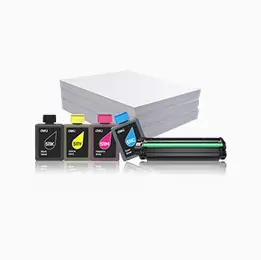
Printer x1, Product Safety Manual x1, Quick Start Guide x1, Warranty Card x1, Power Cord x1, USB Cable x1
Remarks
*1 Paper Box Capacity is worked out by 70g/m2 paper
*2 Compliant with ISO 19752 standard. Continuous printing of A4 paper. Actual print yield varies depending on printing environment and content of printed images
M1820
01 First unboxing M1820W(M1820 operation is applicable to this video)
M1820
02 Paper feed & Power on M1820W(M1820 operation is applicable to this video)
M1820
03 PC-based Installation of Internet printer M1820W(M1820 operation is applicable to this video)
M1820
04 PC-based Installation of USB printer M1820W(M1820 operation is applicable to this video)
M1820
05 【Deli Print APP】Bluetooth networking (M1820 operation is not applicable to this video)
M1820
06 Normal M1820W(M1820 operation is applicable to this video)
M1820
07 ID card M1820W(M1820 operation is applicable to this video)
M1820
08 PC scan M1820W(M1820 operation is applicable to this video)
M1820
09 Push scan M1820W(M1820 operation is applicable to this video)
M1820
10 Clear paper jams M1820W(M1820 operation is applicable to this video)
M1820
11 Report Printing M1820W(M1820 operation is applicable to this video)
M1820
12 Restore factory settings M1820W(M1820 operation is applicable to this video)
M1820
13 Reset network M1820W(M1820 operation is applicable to this video)