D311NW inkjet printer sleep time settings. Hello, please follow the steps below:1. In the 【System Settings】 menu, use the up/down arrow keys to navigate to 【Sleep Time】, then press the 【OK】 button to enter the 【sleep time】 menu.2. The ...
D311NW inkjet printer has a paper jam. Hello, generally, the paper width guide in the paper tray is not clamping the paper tightly enough, which leads to paper jams. This product supports a maximum width of 216mm, and the standard width of...
The D311NW inkjet printer has slow printing speed. Hello, the printing speed is related to the content you are printing. If you are printing documents with a lot of text or high-resolution images, it will result in slower printing speeds.Additionally,...
Barcode Printer Label Learning (E760DW). "Here's the English translation of the provided text, keeping the formatting and symbols consistent:Hello, please follow the steps below:1. Turn on the printer.2. Press and hold the feed butt...
D311NW inkjet printer ID card quick copy/ID card copy. Hello, to copy both sides of a document (such as an ID card, business card) onto a single page, please follow these steps:1. Load plain letter-sized or A4 paper.2. In the 【Ticket Copy】 menu, use the...
D311NW inkjet printer restore to factory settings Hello, please operate as follows:1. In the system settings menu, press the up/down arrow keys to find 【Factory Reset】. Press the 【OK】 key to enter the factory reset menu.2. Select 【No】, then ret...
Barcode printer print density adjustment (E750W, ES340). Hello, please open the computer’s 【Control Panel】 - 【Devices and Printers】 - 【Right-click the printer icon and select it】 - 【Printer Preferences】 - 【Options】 - Uncheck the box next to 【Use...
P2000DNWs laser printer cleaning mode. Hello, simultaneously press and release the (Cancel) key and the (On/Power) key to trigger the cleaning mode. Place a regular A4 sheet of paper in the paper tray, then press the (On/Power) key. The pr...
D311NW inkjet printer cleaning mode. Hello, please follow these steps:1. In System Settings, use the up/down arrow keys to find 【Clean Mode】. Press the 【OK】 key to enter 【Clean Mode】.2. Place Letter or A4 paper in the paper tray.3....
M2000DNWs laser printer paper jam handling. Hello, please follow the steps below to troubleshoot:I. Internal Paper Jam1. Open the front cover and remove the toner cartridge.2. Remove the lower part of the jammed paper.3. Slowly pull the jammed ...
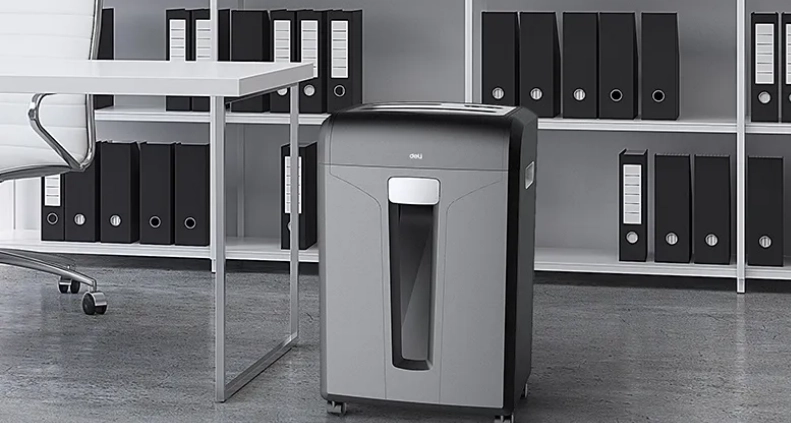
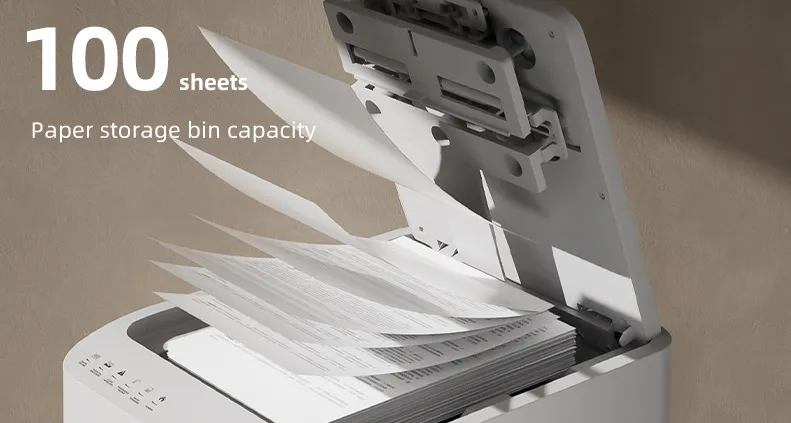
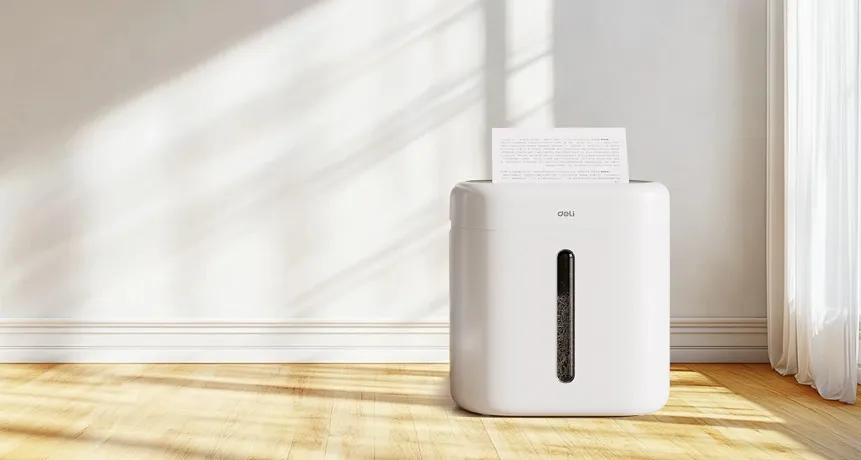
In today's fast-paced office environments, protecting sensitive information while maintaining operational efficiency is critical. A high-quality paper shredder machine plays an indispensable role ...
In the modern office environment, efficiency and security are paramount. Smart office automation is changing the way we manage daily tasks, with innovations like the auto-feed paper shredder gaining p...
In today's business environment, data security and confidential document disposal have become critical priorities across various industries. A reliable paper shredder machine is indispensable for ...
Shredding is a crucial process in many industries and offices, but the type of shredder required can vary significantly based on the scope of its use. Industrial shredders and commercial shredders ser...
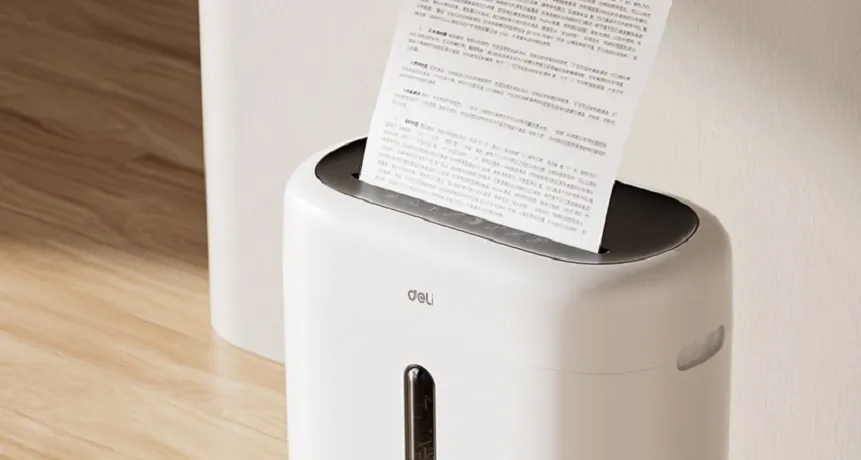
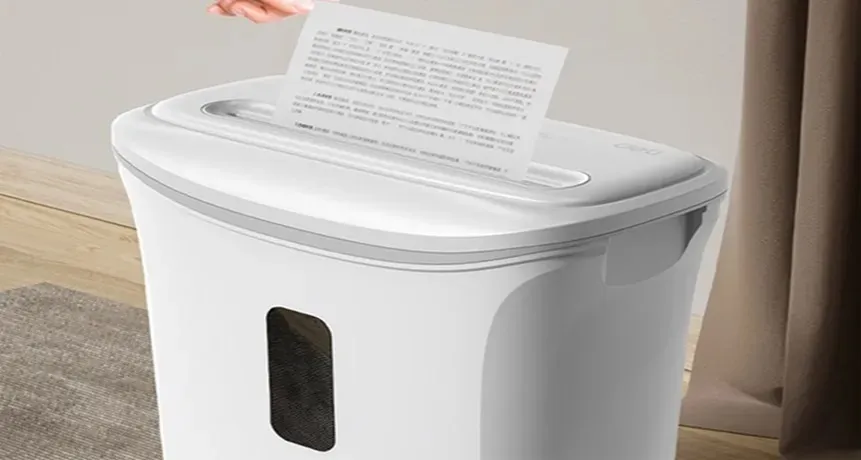
In today's digital age, securing personal information is paramount. One way to protect sensitive data is by using a good office shredder. Whether you are looking for a compact paper shredder or a ...
In today's fast-paced business environment, embracing smart office automation has become essential for enhancing productivity and efficiency. Office automation refers to using technology systems t...
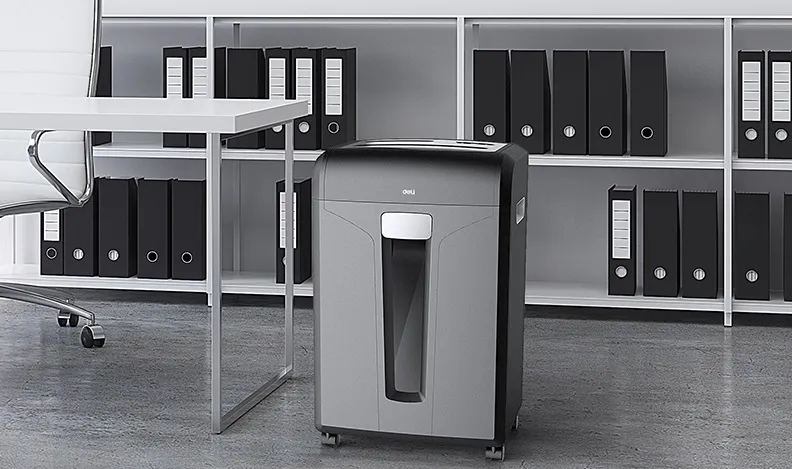
In an era where businesses handle vast volumes of confidential paperwork, the big paper shredder machine has become an indispensable piece of office equipment. More than a device for cutting paper, it...
Choosing the right paper shredder machine supplier is crucial for any business seeking to protect sensitive information and maintain efficient document disposal processes. With over 20 years of experi...
In modern workplaces, efficiency, security, and sustainability are becoming essential priorities, and a paper shredder machine is at the center of this transformation. From small offices to large corp...
A big paper shredder machine plays an important role in large-scale offices, government institutions, and enterprises that process substantial amounts of sensitive information. Its working principle i...
On October 12, Deli Group successfully held its Global Equipment Distributor Conference under the theme "Inspiring Innovation" in Ningbo, Zhejiang, China. As a global cultural and technologi...
On 18th Dec. 2018, Deli printer launch event was held at the Beijing Diaoyutai State Guesthouse. Leaders from government, Deli image spokeswoman Yanglan, and around 500 g...
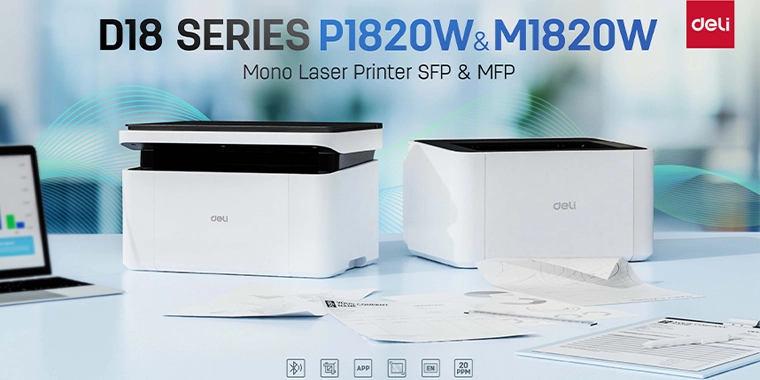
on January 13th, 2024, Deli officially unveiled the highly anticipated M18 and P18 series laser printers, designed to elevate the printing experience with advanced features and seamless connectivity. ...
Deli, as top 1 stationery and office brand in China, with the second to none comprehensive strength and brand influence, has officially became the exclusive stationery supplier of 2016 G20 Summit in H...
30 years’ worldwide branding experience allows Deli, the global Office and School Stationery brand gaining more awareness in many countries. The brand surges business growth after settlement of Globa...
On May 14th to 15th, 2017, the Belt and Road Forum for International Cooperation held in Beijing. The president Xi Jinping of People's republic of China with heads of states attended the conferenc...
From April 26 to 29, more than 200 excellent distributors from all over the world gathered in Beijing to participate in the “Unity create Infinity” Worldwide Partners Conference. (Hereinafter referr...